
So, for one reason or another you need to get rid of all your Discord messages in a hurry, but how? Sure, you can delete them line by line, DM by DM, but that’s going to take forever. If you’re like me, or millions of other Discord users, you likely have a ton of history in both servers and DMs and don’t want to spend hours manually deleting old chats.
OK, so then what are the other options, you ask? You already know I have the answer for you, don’t you? You may have guessed already, but deleting things in bulk and doing it quickly is sort of our thing here at redact.dev. And doing it on Discord is, as you may have also guessed, one of our specialties.
Let’s go over some of the different features our Discord deletion software has to offer.
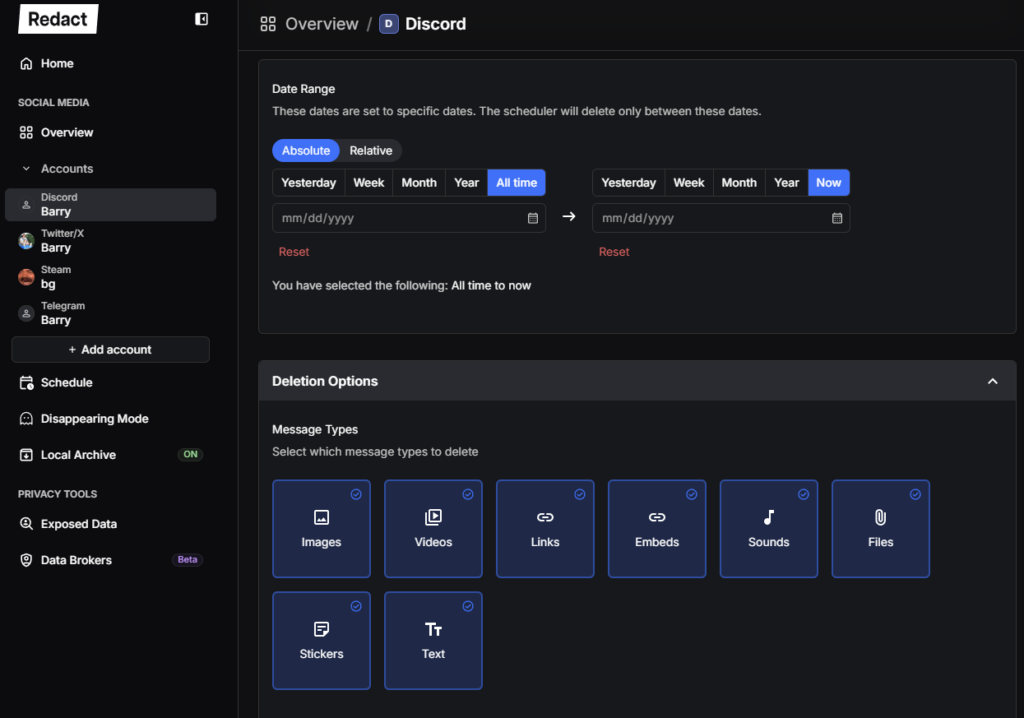
Mass Message Deletion
- Delete thousands of Discord messages at once, fully automated, while you go do something better with your day.
- Works on both server messages and DMs.
- Precision filters let you zero in on specific messages by keyword, date, or content type, and leave the rest of your history alone.
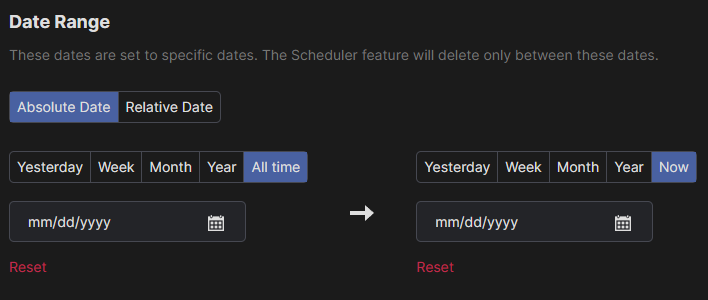
Date Range Deletion
- Wipe everything inside a specific window. Said some choice words last election cycle? Team blow the NCAA finals? We’ve got you.
- Delete messages before, after, or between any two dates.
- Supports relative dates like “3 days ago” for easy scheduling.
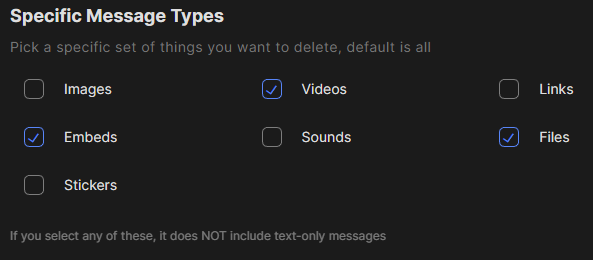
Deletion by Content Type
- Target specific kinds of content, like images, videos, links, or text-only messages.
- Stack content filters together for pinpoint results.
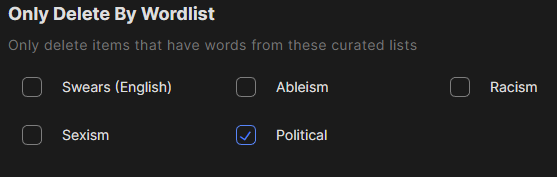
Keyword-Based Deletion
- Nuke any message containing specific words or phrases. One keyword or 500, no limits.
- Perfect for clearing out sensitive or topic-specific conversations.
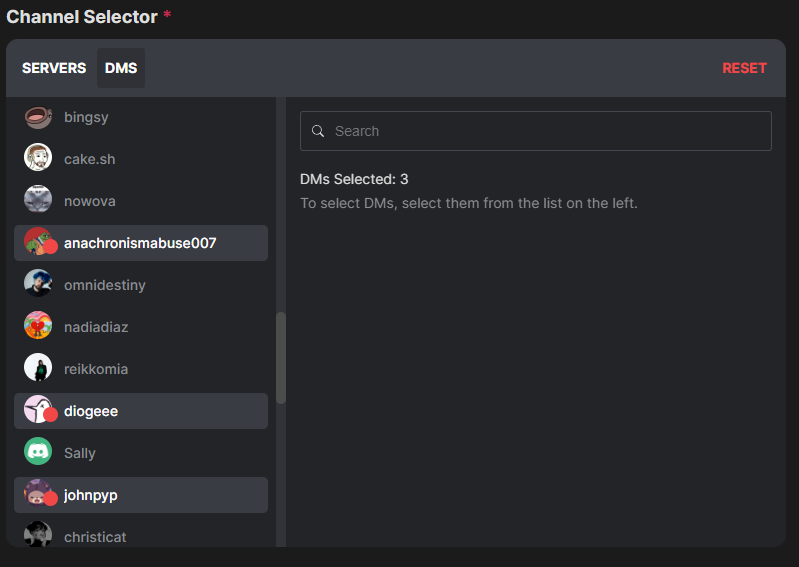
Bulk Direct Message Deletion
- Clear DMs from one conversation or many at once. Want every DM you’ve ever sent gone? No problemo, we can do it.
- Your deleted messages disappear from both ends of the conversation.
- Layer in keyword and date filters for targeted cleanup.
Preview Mode
Review everything marked for deletion before you pull the trigger, and pull individual messages out of the batch.
Moderator Mode
Run bulk deletions across server-wide messages to enforce your community rules and keep server history tidy.
Schedule Deletion
Auto-delete on a recurring schedule, daily, weekly, or monthly, so cleanup stays on autopilot.
Local Archiving
Save a local copy of your messages before deleting, so you keep what matters while clearing the rest.
Mass Delete Content from 35+ Social Sites
Free Trial Download