Looking to delete your old Discord messages? Maybe it’s privacy, maybe it’s cleanup, maybe you just want the clutter gone. Redact’s Discord tools handle all of it, letting you delete server messages and direct messages in bulk.
With the free version of Redact, you can remove messages from the last 30 days. For unlimited deletion, including your full Discord history, you’ll need to upgrade to a Premium subscription.
Why Delete Discord Messages?
Discord doesn’t offer a native way to delete all of your messages in bulk. You’d have to manually delete each message, which can be time-consuming and frustrating.
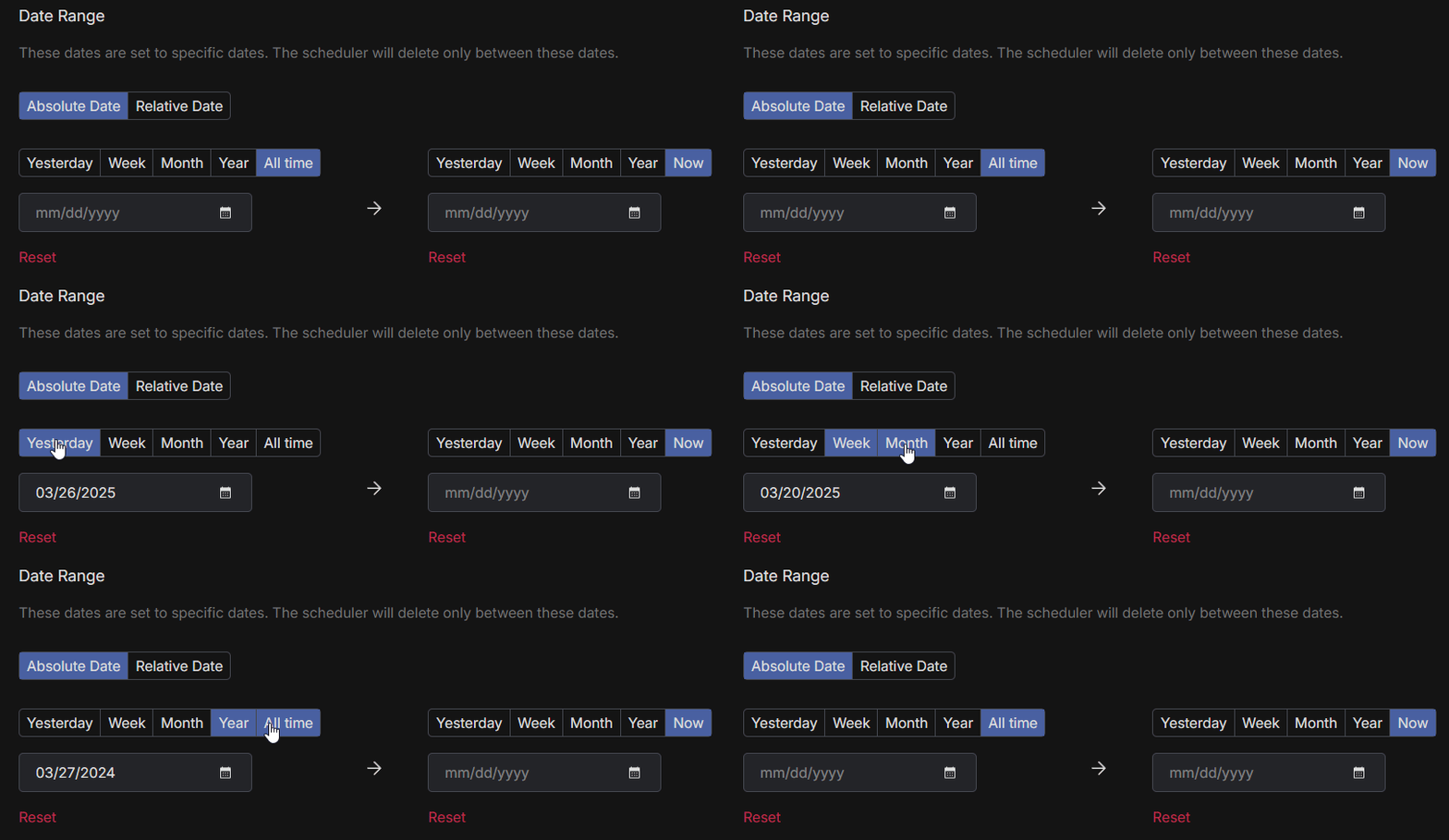
Set a date range (e.g., delete everything from January 2020 to January 2023)
Target messages containing specific keywords or phrases
Delete by content type, like images, videos, files, or links
Select specific servers or channels to clean up
You can also combine filters to mass delete Discord DMs and server messages with even more precision.
Step 6: Preview and Confirm
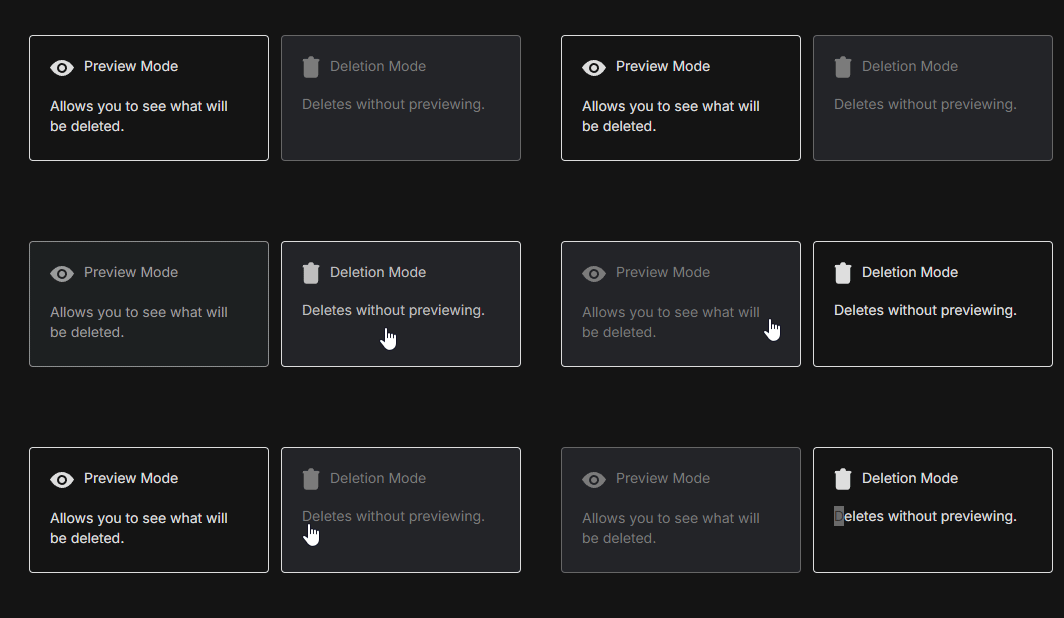
Redact shows you a preview of which messages will be deleted based on your filters.
Once you’re satisfied, hit Start Deleting to bulk delete every Discord message that matches.
Select and Delete gives you more control, letting you hand-pick specific messages. Or set up Schedule Deletion to clear messages automatically after a customizable time period.
Step 7: Let Redact Do the Work
Keep the app open while it works. It’ll go through your history and delete every message that matches your selected criteria.
Final Thoughts
Discord doesn’t make it easy to clean up your past. Redact does. Delete years of messages or just clean out a specific channel; either way, the job that would take days by hand runs in minutes.
Discord lets you delete individual messages and clear small batches with moderator tools in servers you manage. There’s no single remove-all switch for every DM and channel at once for regular users.
Yes. When you delete one of your messages, it disappears for everyone in the chat. Discord has no delete-just-for-me option. Moderators can also remove other members’ messages in servers they manage.
Deleting a message removes that message and Discord-hosted attachments tied to it in that location. External copies and reuploads elsewhere can remain.
Open Redact and choose Discord. Connect your account, pick targets like DMs or server channels, set filters for dates, keywords, usernames, and content types, run a Preview, then execute deletion or save a schedule.
Filter by location, date range, keywords, usernames, and content types like images, videos, files, embeds, and links. Add keyword preservation for anything you want to protect.
Yes. Redact only deletes your own messages by default. Server moderators can use the Mod Servers option, with the correct permissions, to remove messages from other members where server policy allows.
Threads can inherit permissions from parent channels and may have locks. Forum posts and comments are separate objects. Confirm each type in Preview before a large pass.
No. Redact runs on your device and uses the minimum access required to execute your actions. You can disconnect Discord from Redact in Settings at any time.
Export what you need first, run a small Preview, approve a short Select and Delete batch, verify, then expand date ranges. Keep preservation keywords for anything that must stay.
Redact batches actions and spaces requests to respect Discord’s limits. For big archives, run by month or by channel and schedule several passes for stability and complete coverage.
No. Removing messages doesn’t touch roles, invites, channels, or notification preferences. Those are managed separately.
Yes. Turn on Disappearing Mode to enforce rules by age or keywords. Pick daily, weekly, or monthly runs and Redact will apply your saved filters automatically.
Yes. Use filters for content type, link presence, keywords, and date ranges. Redact only removes messages you sent, so replies from others stay untouched.
Yes. Set strict filters for keywords and dates, run Preview, approve Select and Delete batches, and save a schedule so new items are handled going forward.
You can download Redact for free and start with recent history. Redact uses passwordless sign in with secure email codes. You can disconnect at any time and upgrade later for all-time cleanups and schedules.