
|
Redact for Twitter
Control your Twitter content easier.Redact helps you automatically scan, identify, and remove risky posts, comments, messages, and account history across 35+ supported platforms.
Supported platforms include Reddit, Discord, Facebook, Instagram, LinkedIn, Slack, Teams, and 35+ other platforms.
|
|
Control Your Twitter Content Like a Pro
Keeping your online presence organized matters more than ever. Whether you’re scrubbing old tweets, cutting down privacy risks, or cleaning up before a big job hunt, the right tool makes all the difference.
We compared the leading Twitter cleanup tools on the market right now, weighing them on features, supported platforms, and how each stacks up against Redact.dev. Below are our picks, the awards they earned, and the honest pros and cons of each.
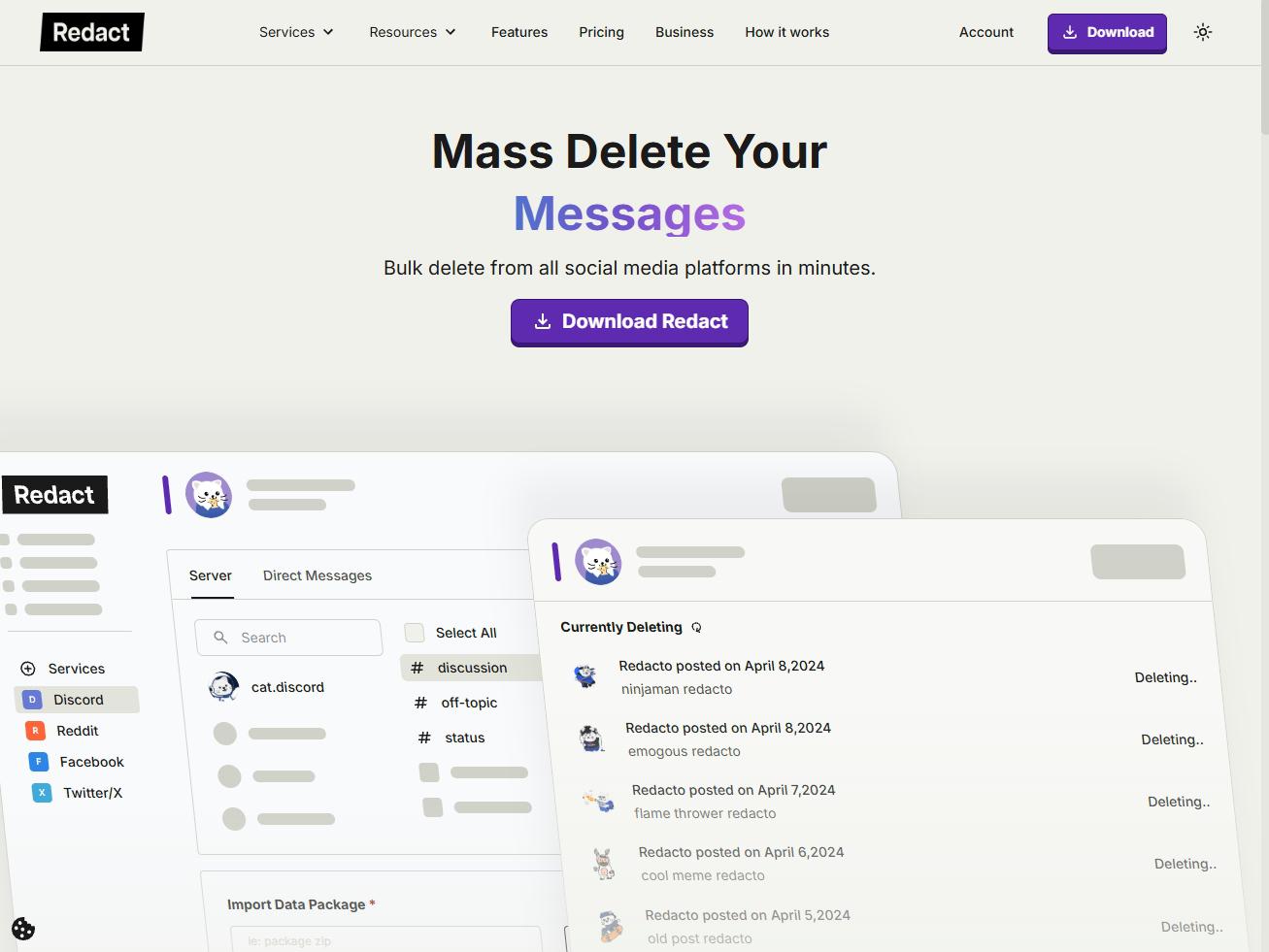
Redact.dev
The most complete cleanup tool available on the market. Redact bulk-deletes tweets, retweets, replies, DMs, follows, likes, and more.
Pros
- Works across 35 platforms
- Never stores your data or logins
- Powerful filters with a preview mode
Cons
- Some features need setup
- Subscription required to unlock all features

Unpost
A straightforward option with auto-delete and mass-deletion for tweets and messages across a handful of networks.
Pros
- Simple, clean interface
- Supports multiple platforms
Cons
- Weak customization options

TweetDelete
Delete tweets by keyword, age, or on a recurring schedule. Free for up to 3,200 actions, which covers casual Twitter users.
Pros
- Easy to use
- Recurring scheduling
Cons
- Twitter-only
- Deletion cap unless you upgrade
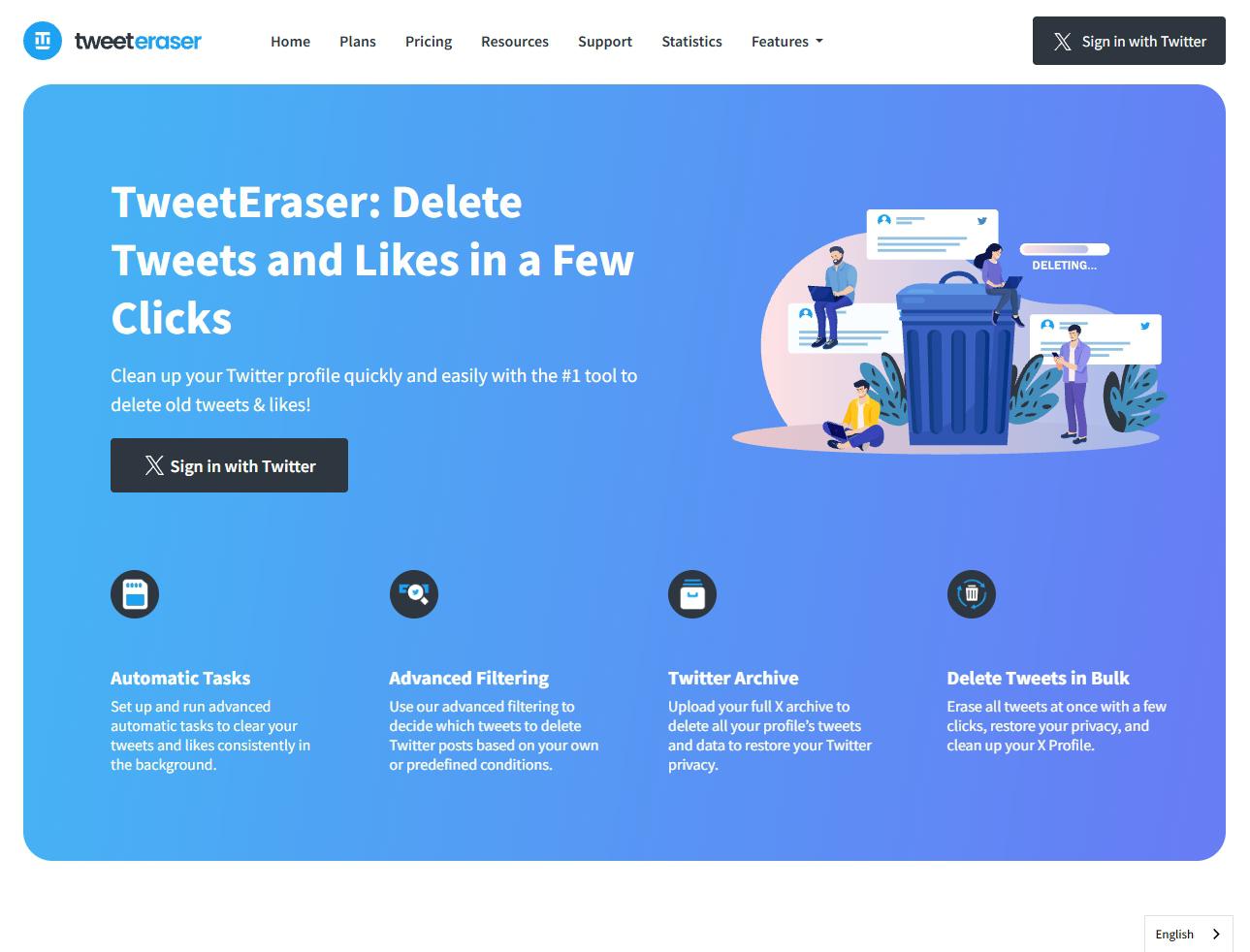
TweetEraser
Advanced filtering for tweets, likes, and retweets, with support for uploading your full Twitter archive.
Pros
- Multi-account support
- Ad-free with deep filters
Cons
- Archive upload needed for full deletion
- Many features behind a paywall
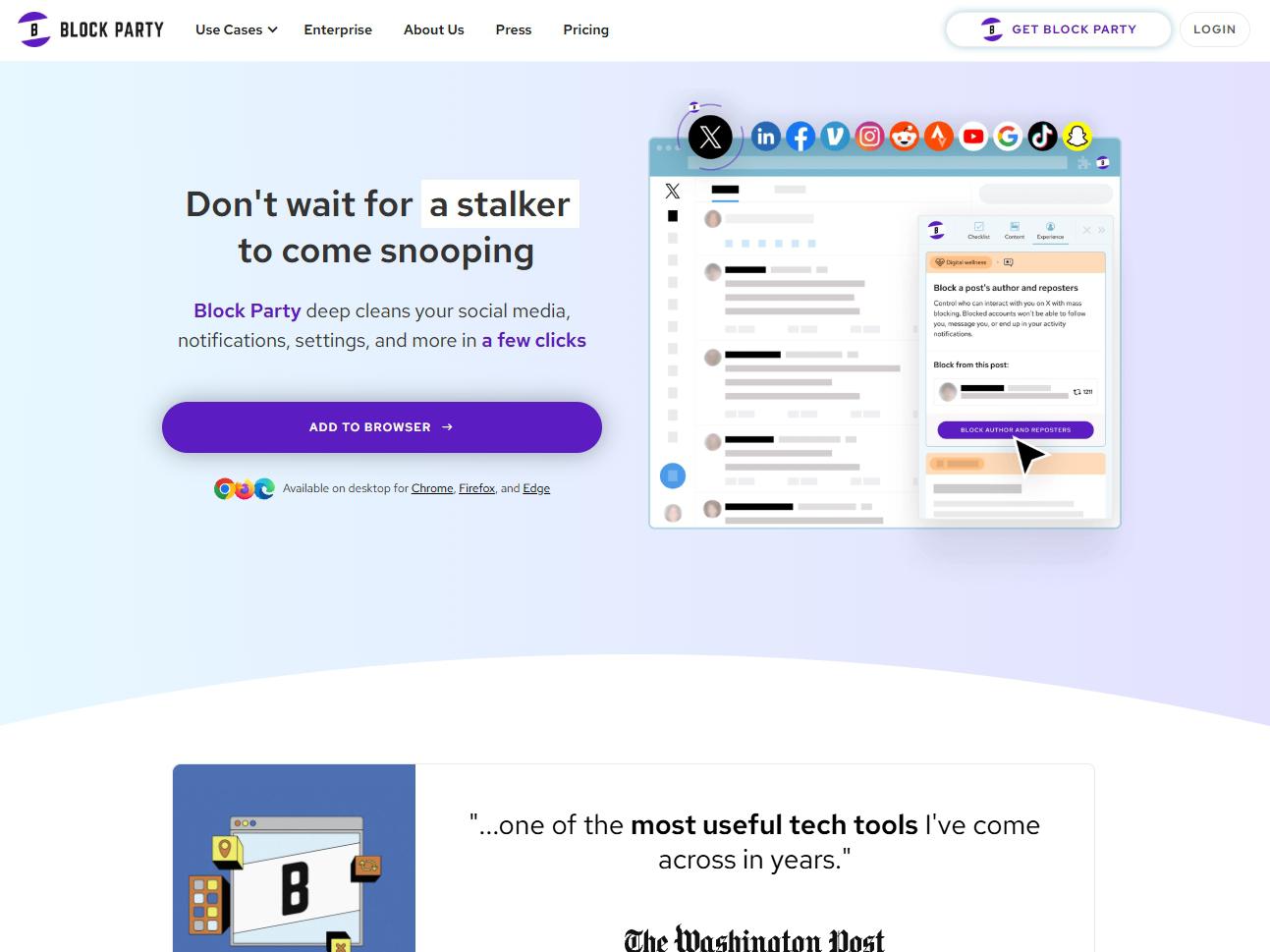
Block Party App
More of a privacy guardian than a pure deleter. It scans for exposed data and serves up cleanup and privacy tips across your accounts.
Pros
- Broad security coverage
Cons
- Limited free features
- Some tools US-only

Circleboom
Bulk-deletes tweets, retweets, likes, and replies with archive support and keyword filtering, and reaches past Twitter’s 3,200-tweet history limit on big accounts.
Pros
- Handles tweets beyond the 3,200 limit
- Includes a free plan
Cons
- Paid plans for many features
- Twitter-focused only

Tweet Hunter
Primarily a growth tool, but it can delete past tweets, retweets, and replies in bulk with a tidy interface.
Pros
- Clean interface
- Free to try
Cons
- Requires account access
- Premium limits unclear
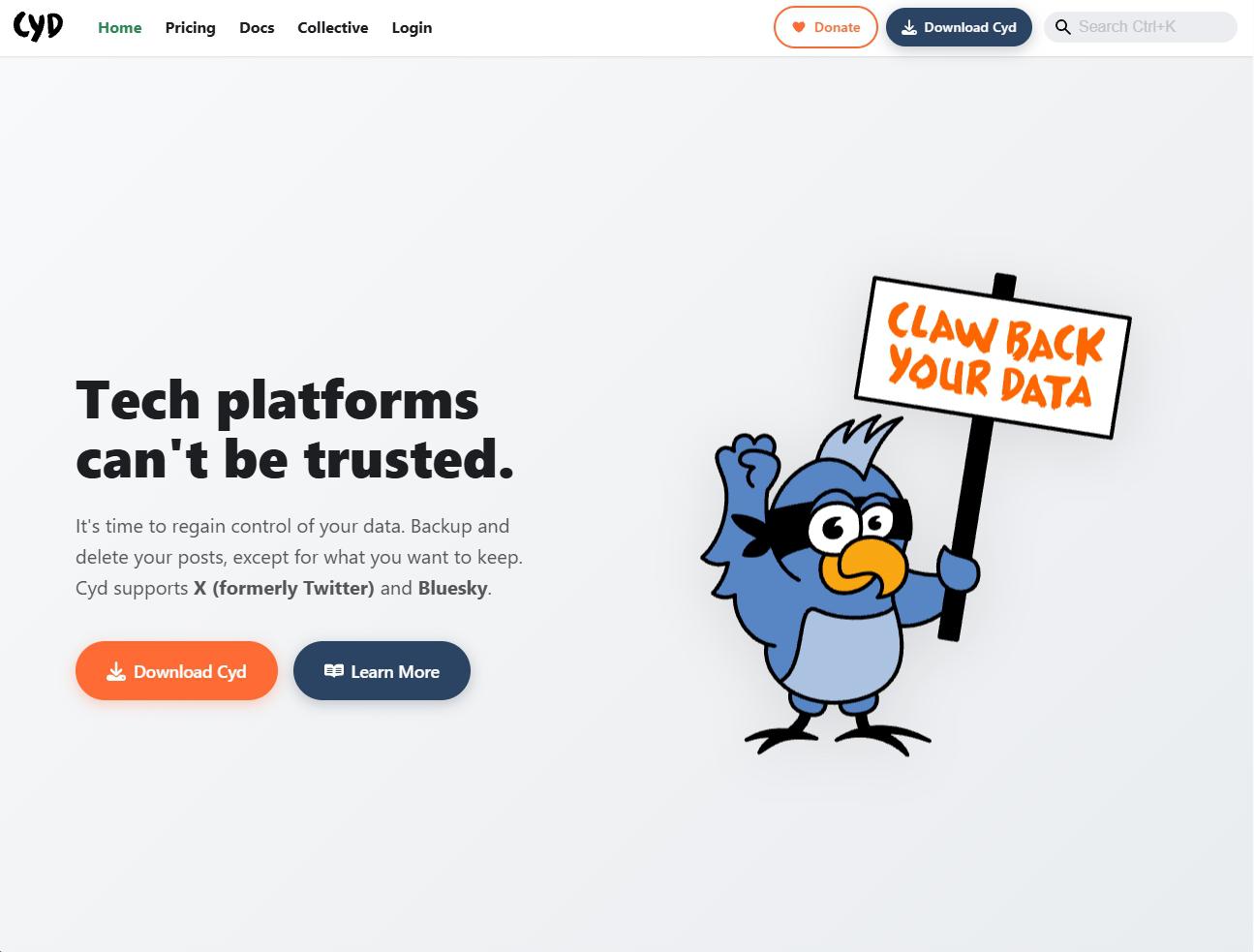
Cyd
Deletes tweets, DMs, likes, and bookmarks, with full unfollow and export options, all running locally for free.
Pros
- Works locally
- Free for full deletions
- Built-in backup option
Cons
- Only supports Twitter for now
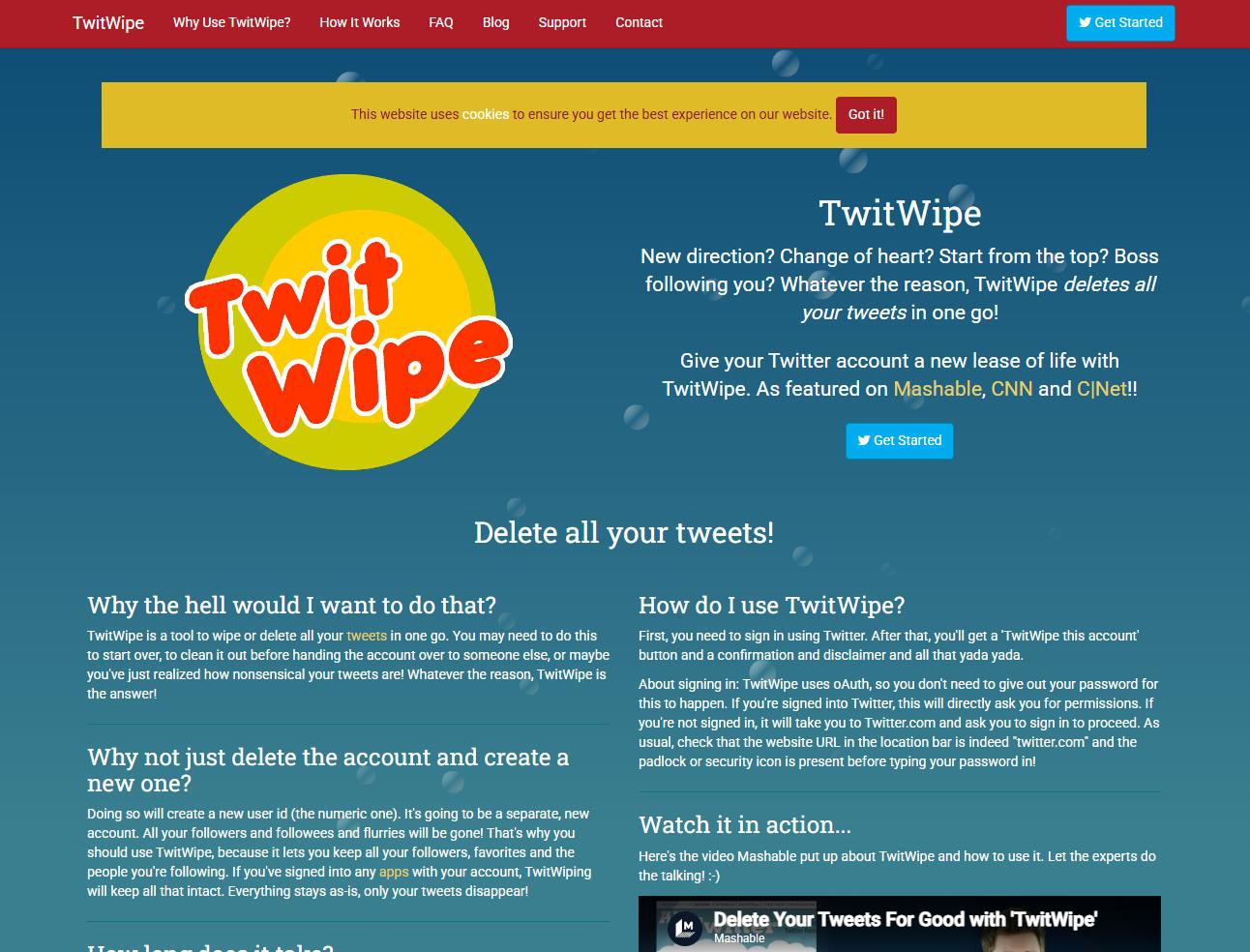
TwitWipe
A bare-bones one-click wipe for an entire account. It does the job, but there’s a catch or three.
Pros
- Free and simple
Cons
- No filtering or selective deletion
- Pushes influencer-marketing courses
- Ad-heavy, browser-based
What to look for in a Twitter cleanup tool
Four things separate a tool you’ll trust from one you’ll regret.
Filtering depth
Keyword, date, and selective filters let you keep what matters and delete the rest, instead of nuking everything.
Where it runs
Tools that run locally keep your data on your machine rather than routing it through a third-party server.
Platform reach
If you live on more than one network, a multi-platform tool saves you from juggling five separate apps.
Honest pricing
Watch for caps and paywalls. The best tools are clear about what’s free and what a subscription unlocks.
The bottom line
The right pick comes down to the features you need and your budget. Every tool here brings something different, from a simple one-click wipe to complete multi-platform deletion.
If you want the most complete option, Redact.dev is the one to beat. It handles bulk deletions across up to 30 platforms, including Twitter, Reddit, Discord, and Facebook, and it never stores your data or logins. You can start cleaning up your Twitter for free, with Premium unlocking a deeper account-wide wipe.
Start cleaning up free →Spot any outdated information? Email us at [email protected].